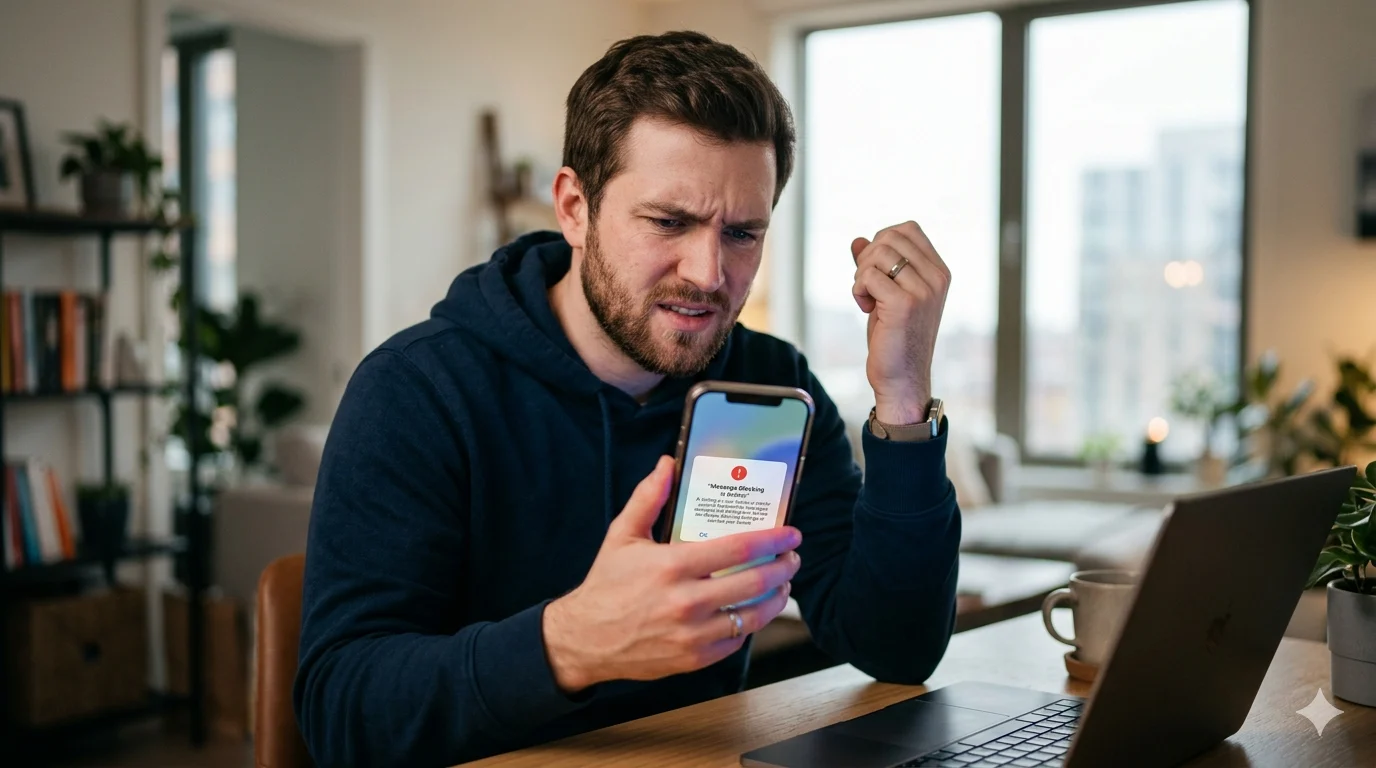
You try to send a text, but instead of delivering, your phone shows the annoying “Message Blocking Is Active” error. Suddenly, you can’t message anyone, and the lack of a clear reason makes the situation even more frustrating—especially when the text is important.
In most cases, this error means your carrier, SIM card, or phone settings are preventing outgoing messages. It can happen because of blocked numbers, inactive service plans, network restrictions, or incorrect messaging settings on Android and iPhone devices. The real challenge is identifying which setting is triggering the issue.
If you’re searching for how to fix message blocking is active, you likely want a fast and reliable solution that actually works. This guide covers the most common causes behind the error and the proven fixes that can help restore your messaging service quickly and smoothly.
Quick Answer: How to Fix Message Blocking Is Active
The fastest way to fix the “message blocking is active” error is to:
- Restart your phone
- Remove blocked contacts
- Check your SIM card
- Reset network settings
- Update your messaging app and phone software
- Make sure your mobile plan supports SMS
- Contact your carrier if the problem continues
For many users, restarting the phone or removing a blocked contact solves the issue within minutes.
Why Does My Phone Say Message Blocking Is Active?
Your phone shows this error when SMS services are restricted by your device or mobile carrier. This can happen for several reasons.
Common Causes
- blocked phone numbers
- inactive SIM cards
- expired mobile plans
- carrier restrictions
- software bugs
- incorrect APN settings
- disabled SMS permissions
- spam filters
- messaging app problems
Many T-Mobile and Android users report this issue after changing devices or updating software.
Welcome Baby Message Board: Unique Wording Ideas
13 Easy Ways to Fix Message Blocking Is Active
Before trying advanced troubleshooting, start with these simple solutions. These fixes work for most users.
1. Restart Your Phone
A simple restart refreshes your mobile network and messaging services.
2. Turn Airplane Mode On and Off
Enable Airplane Mode for 30 seconds, then turn it off again.
3. Check Your Mobile Signal
Weak signal strength can stop text messages from sending properly.
4. Remove Blocked Contacts
Go to your blocked numbers list and make sure the contact is not blocked accidentally.
5. Check Your Mobile Plan
Some carriers disable texting when prepaid plans expire or bills remain unpaid.
6. Reinsert Your SIM Card
Remove your SIM card carefully and place it back correctly.
7. Update Your Phone Software
Outdated software may cause SMS delivery problems.
8. Clear Messaging App Cache
Corrupted cache files can interfere with text messaging.
9. Disable VPN Services
VPN apps sometimes block carrier messaging systems.
10. Reset Network Settings
This refreshes Wi-Fi, mobile data, and SMS settings.
11. Update Carrier Services
Carrier updates improve network communication and texting reliability.
12. Disable Spam Protection Temporarily
Spam filters can occasionally block normal messages.
13. Contact Your Carrier
If nothing works, your account may have messaging restrictions.
How to Fix Message Blocking Is Active on iPhone
iPhone users often see this problem because of iMessage settings, carrier updates, or blocked numbers.
Turn On Send as SMS
Go to:
Settings → Messages → Send as SMS
Enable the option.
Check Blocked Contacts
Open:
Settings → Phone → Blocked Contacts
Remove the number if blocked.
Reset Network Settings
Go to:
Settings → General → Transfer or Reset iPhone → Reset → Reset Network Settings
This fix works for many iPhone users.
Update Carrier Settings
Go to:
Settings → General → About
Install carrier updates if available.
Disable iMessage Temporarily
Turn iMessage off, restart your iPhone, then try sending a regular text message.
How to Fix Message Blocking Is Active on Android
Android devices may show this error because of messaging app bugs, APN problems, or carrier restrictions.
Clear Messages App Cache
Go to:
Settings → Apps → Messages → Storage → Clear Cache
Reset APN Settings
Incorrect APN settings can block SMS and MMS messages.
Update Carrier Services
Open the Play Store and update:
- Carrier Services
- Google Messages
Check SMS Permissions
Your messaging app must have SMS permissions enabled.
Boot Into Safe Mode
Safe Mode helps identify third-party apps causing SMS conflicts.
90+Touching Birthday Message for Dad: Emotional Wishes You Can Copy
How to Fix Message Blocking Is Active on Samsung
Samsung users often report this issue after software updates or spam filter conflicts.
Clear Samsung Messages Data
Open:
Settings → Apps → Samsung Messages → Storage
Then tap:
- Clear Cache
- Clear Data
Disable Spam Protection
Samsung spam filters sometimes block valid text messages.
Check Dual SIM Settings
Choose the correct SIM card for SMS messaging.
Remove Third-Party Messaging Apps
Apps like Textra may conflict with Samsung Messages.
Reset Mobile Network Settings
This refreshes your Samsung carrier connection completely.
Unable to Send Message — Message Blocking Is Active on T-Mobile
T-Mobile users commonly see this message after billing problems or account restrictions.
Check Your Billing Status
An unpaid balance may disable texting services.
Confirm SMS Is Enabled
Log into your T-Mobile account and verify that messaging services are active.
Remove Family Restrictions
Parental controls may block SMS messages.
Update T-Mobile Carrier Settings
Carrier updates improve messaging performance.
Contact T-Mobile Support
Ask support to check:
- blocked SMS services
- suspended lines
- account restrictions
- inactive messaging features
Advanced Fixes for Message Blocking Is Active
If basic solutions fail, these advanced fixes may help.
Reset SMSC Settings
Incorrect SMSC numbers can stop text delivery completely.
Disable RCS Chat Features
RCS messaging sometimes interferes with regular SMS.
Test Your SIM Card in Another Phone
This helps identify whether the issue is device-related or carrier-related.
Replace Your SIM Card
A damaged SIM card can trigger repeated SMS errors.
Factory Reset Network Services
Some Android phones include advanced carrier reset options.
How to Prevent Message Blocking Errors
Once your messages work again, these habits can help prevent future problems.
- keep your phone updated
- restart your phone weekly
- avoid random APN changes
- pay mobile bills on time
- install carrier updates regularly
- use trusted messaging apps only
- avoid sending spam-like messages repeatedly
These simple habits improve texting reliability and reduce SMS issues.
FAQ About How to Fix Message Blocking Is Active
How do I unblock message blocking?
Remove blocked contacts and ask your carrier to remove account restrictions if needed.
Why is T-Mobile saying message blocking is active?
This usually happens because of unpaid bills, disabled SMS services, or line restrictions.
How do I fix message blocking is active on Android?
Clear your messaging app cache, reset network settings, and check your SIM card and carrier services.
Why can’t I send text messages on iPhone?
Blocked contacts, iMessage issues, inactive SIM cards, or carrier restrictions may be causing the problem.
Can a blocked number cause message blocking is active?
Yes. If a number is blocked, your messages may fail instantly.
Why does my Samsung phone say message blocking is active?
Samsung devices may show this error because of spam filters, software bugs, or SIM card issues.
If you found this guide helpful, explore our related articles on why text messages fail, how to fix Android messaging problems, and common iPhone network errors.
Want more troubleshooting help? Read our latest mobile tips and texting guides for Samsung, Android, and iPhone users.
Conclusion
The “message blocking is active” error can stop important conversations without warning. Thankfully, most causes are simple to fix. Whether you needed help with how to fix message blocking is active on iPhone, Android, Samsung, or T-Mobile, the steps above can help restore your messaging service quickly.
Start with the easy fixes first, like restarting your phone, checking blocked contacts, and resetting network settings. If the issue still continues, contact your mobile carrier because account restrictions are often the real reason behind SMS blocking problems.
With the right troubleshooting steps, you can send messages normally again and stay connected without stress.

Ruby Collins is a gentle storyteller who turns emotions into simple, meaningful words. Her writing focuses on love, warmth, and the quiet feelings people often struggle to express.