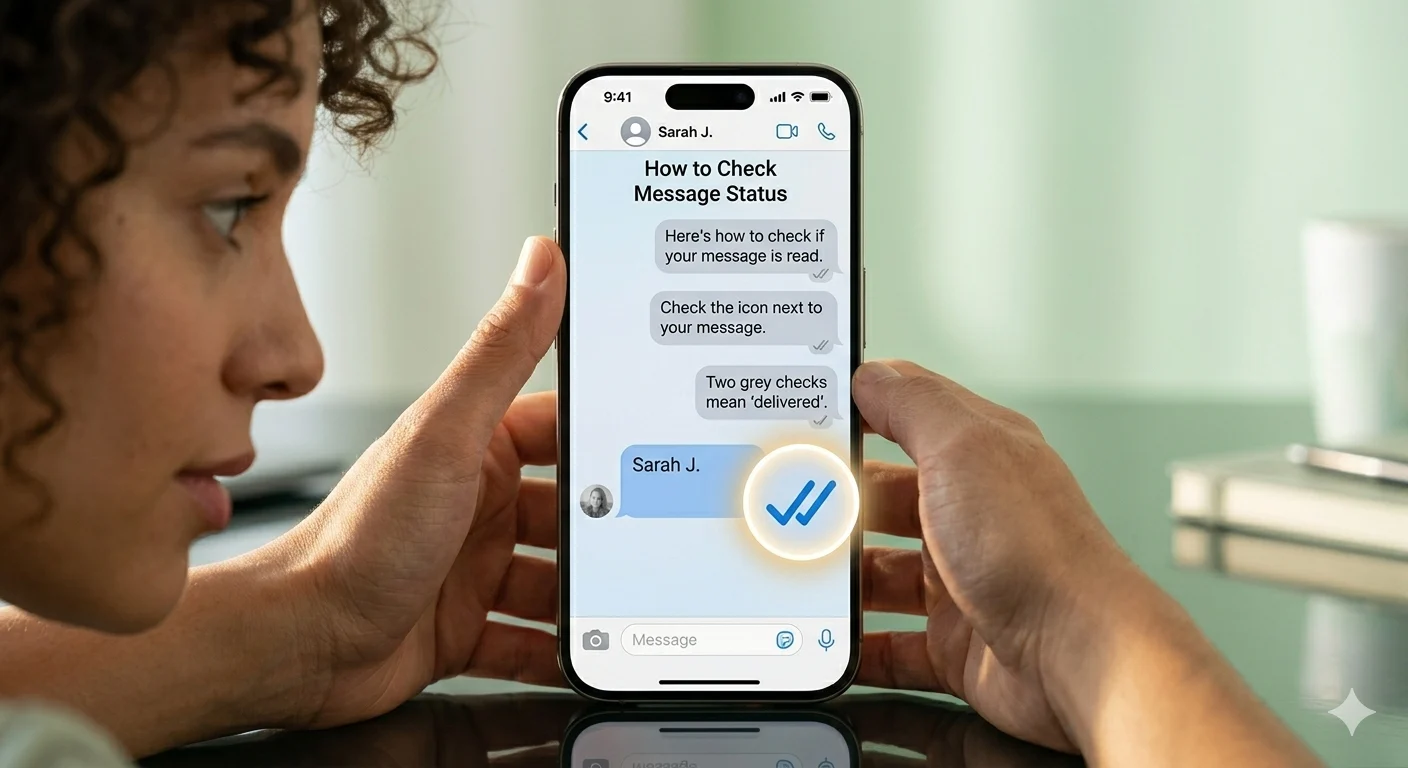
WhatsApp read message refers to the status of a message when it has been seen by the receiver. This is usually indicated by blue ticks, which help users know whether their message has been delivered and read. Understanding this feature is important for better communication and privacy control on WhatsApp.
In some cases, users may not see read receipts due to privacy settings or disabled blue ticks. This can create confusion about whether the message has been read or not. Knowing how these settings work helps you manage your conversations more effectively.
In this guide on WhatsApp read message, you will learn how read receipts work, how to check message status, and how privacy settings affect message visibility. This will help you use WhatsApp more confidently and understand your chats clearly.
💡 How WhatsApp Read Message System Works
Before hiding anything, you must understand the system. WhatsApp uses ticks to show message status.
- ✔️ One grey tick = Sent
- ✔️✔️ Two grey ticks = Delivered
- ✔️✔️ Blue ticks = Read
This is the foundation of the WhatsApp read message system.
How to See an Unsent Message (Complete Guide)
👀 How to Read WhatsApp Messages Without Blue Ticks
You can read messages privately using these safe methods:
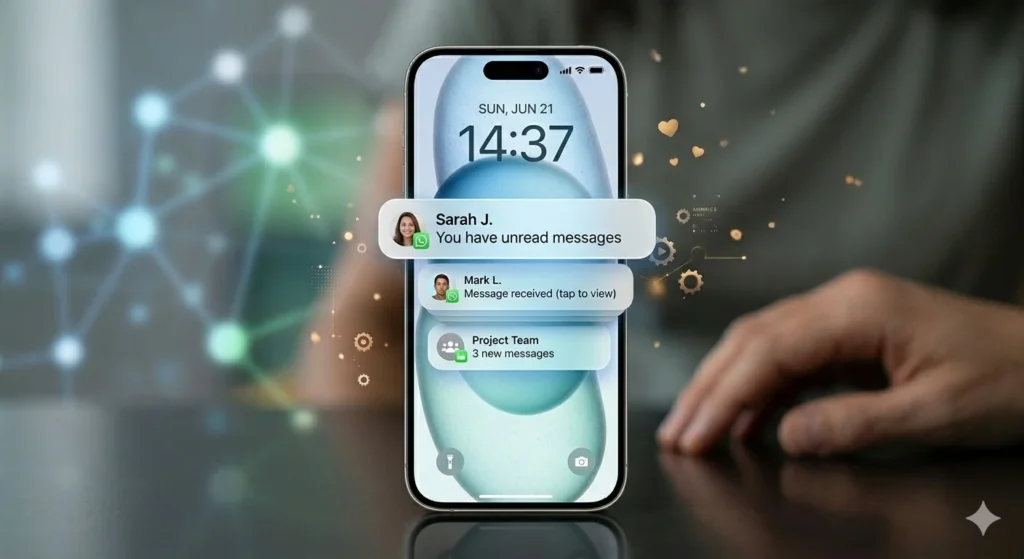
- Use notification preview
- Read from lock screen
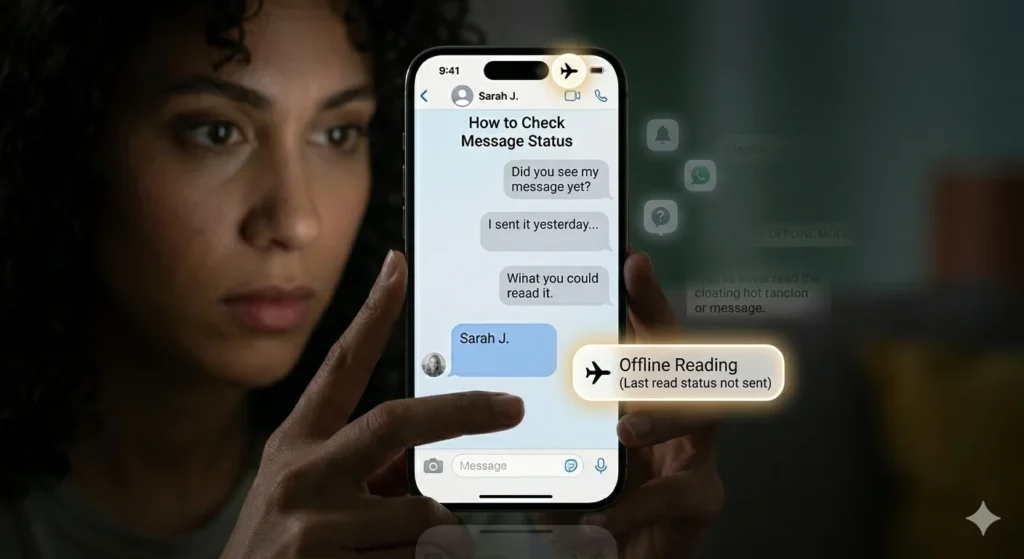
- Turn on airplane mode
- Use WhatsApp widget
- Disable internet before opening chat
👉 These methods let you read without triggering blue ticks.
🔒 How to Turn Off WhatsApp Read Receipts
If you want permanent privacy:
- Go to Settings
- Tap Privacy
- Turn OFF Read Receipts
⚠️ Note: You will also not see others’ blue ticks.
Heartfelt Graduation Message to Daughter
📲 WhatsApp Read Message on iPhone & Android
Both devices support privacy control:
- iPhone: Use notifications + preview + settings
- Android: Widgets + pop-up messages + airplane mode
📴 How to Read Messages Without Opening Chat
You can stay invisible by:
- Reading from notifications
- Using WhatsApp widget
- Avoiding direct chat opening
- Using airplane mode trick
🧠 How to Know If Someone Read Your Message
Even without blue ticks, you can guess:
- They come online after your message
- They reply quickly
- “Last seen” updates
- Typing indicator appears
⚙️ WhatsApp Privacy Settings You Should Use
To fully control WhatsApp read message privacy:
- Hide last seen
- Turn off read receipts
- Mute chats
- Archive conversations
- Control online status
💬 Secret WhatsApp Reading Tricks
Extra privacy tricks:
- Airplane mode reading
- Notification-only reading
- Widget preview
- Mark as unread option
❓ FAQs
1. What is WhatsApp read message?
It shows whether a message is delivered and read using ticks.
2. Can I read WhatsApp messages without blue ticks?
Yes, using airplane mode or disabling read receipts.
3. How to turn off WhatsApp read receipts?
Go to Settings > Privacy > Turn off Read Receipts.
4. Why are blue ticks not showing?
Because read receipts are disabled.
5. Can I secretly read WhatsApp messages?
Yes, using notification preview or offline mode.
🌟 Conclusion
Managing WhatsApp read message settings gives you control over your privacy and emotional space. Whether you want to hide blue ticks or read messages silently, WhatsApp provides flexible options to protect your comfort.
The key is balance—use these features wisely so you can stay connected without feeling pressured. Privacy is not about hiding; it’s about choosing how and when you respond.

Adam Sinclair is a thoughtful writer who believes clarity and emotion make words powerful. His writing focuses on life lessons, relationships, and messages that quietly stay with the reader.