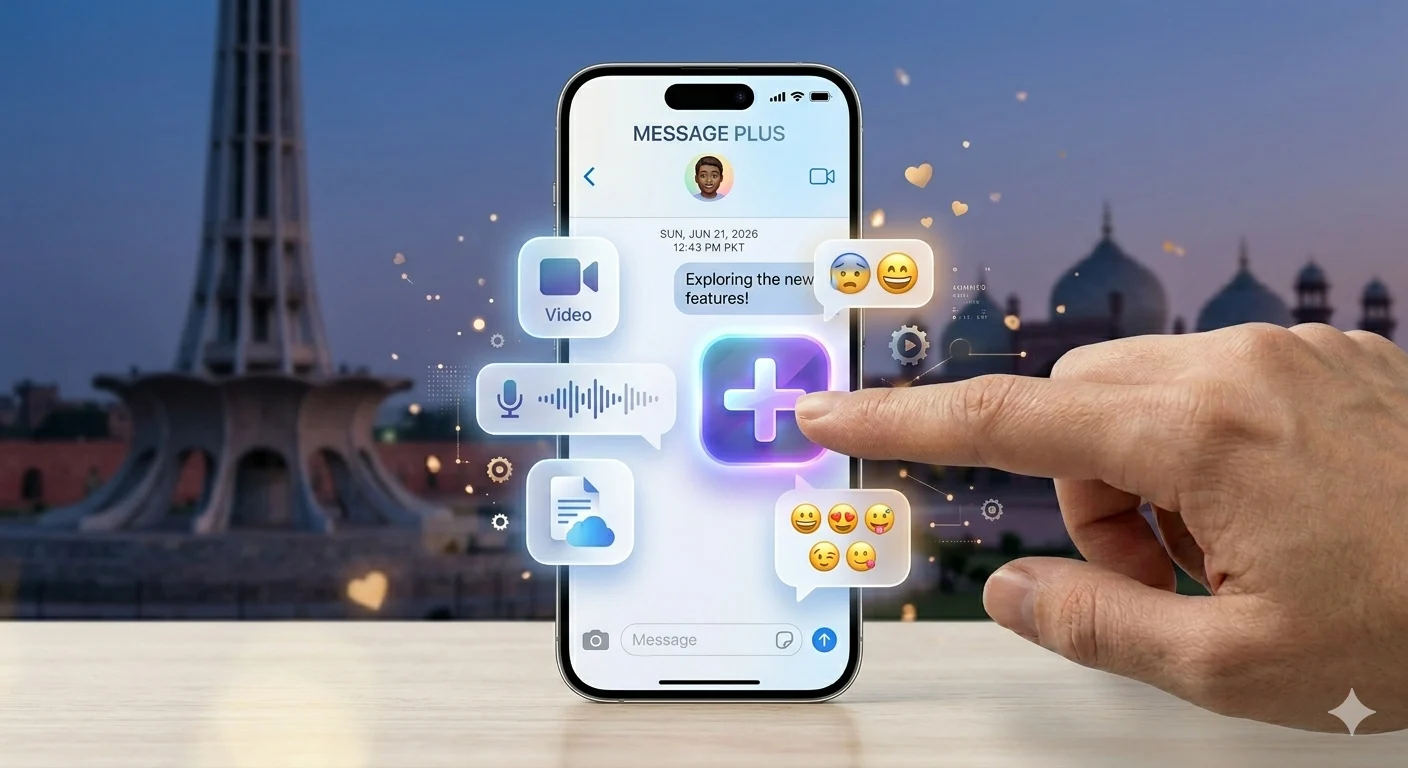
Message Plus is an advanced messaging feature or service that enhances traditional text messaging with modern communication tools. It allows users to send messages along with rich features like read receipts, typing indicators, and media sharing for a more interactive experience.
In many devices and carrier apps, Message Plus improves basic SMS by adding internet-based capabilities such as group chats, voice messages, and real-time syncing. This makes conversations faster, more engaging, and more convenient across different devices.
Overall, Message Plus is designed to make everyday messaging smarter and more connected by combining simple texting with advanced chat features for a better user experience.
What is Message Plus App?
When people ask what is Message Plus app, they are referring to Verizon’s messaging service designed to upgrade basic SMS texting.
It allows users to send texts, images, videos, and group messages with extra features like syncing and customization.
✔ Sends SMS & MMS messages
✔ Supports group chats
✔ Works with Verizon network
✔ Offers message syncing
✔ Includes emojis and media sharing
What is Verizon Message+?
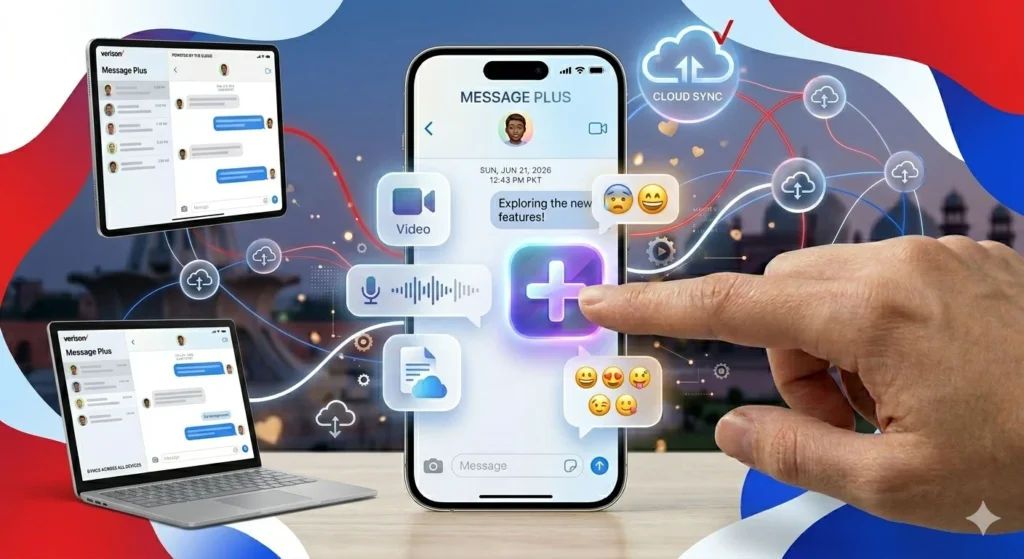
Verizon Message+ is the official version of Message Plus created for Verizon users. It was designed to improve the messaging experience compared to basic SMS apps.
It allows users to continue conversations across phones, tablets, and desktops.
✔ Syncs messages across devices
✔ Works with Wi-Fi or mobile data
✔ Supports multimedia messaging
✔ Offers customization options
✔ Allows scheduled messages
What is Message Plus on Android Phones?
On Android devices, Message Plus often comes pre-installed or installed by carriers.
It works like a normal SMS app but with extra features depending on your phone.
✔ Handles SMS & MMS
✔ Pre-installed on some devices
✔ Runs in background
✔ Works without internet for SMS
✔ Can be replaced easily
Message Plus on Samsung Phones Explained
On Samsung devices, Message Plus usually appears due to carrier installation, especially Verizon.
It is NOT a Samsung system app.
✔ Not a core Samsung app
✔ Can be disabled or removed
✔ Duplicates messaging functions
✔ Often replaced by Google Messages
✔ Safe but not necessary
How to Schedule a Text Message on iPhone: Easy Step-by-Step Guide
Key Features of Message Plus
Understanding what is Message Plus used for becomes easy when you look at its features.
✔ Text messaging (SMS)
✔ Multimedia sharing (MMS)
✔ Group chat support
✔ Device syncing
✔ Message scheduling
✔ Wi-Fi messaging
✔ Custom themes
✔ Emoji & sticker support
Message Plus vs Google Messages Comparison
Here is a simple comparison:
✔ Message Plus = Carrier-based app
✔ Google Messages = Google official app
Google Messages is better because:
✔ Supports RCS chat
✔ Faster updates
✔ Better security
✔ Cleaner interface
✔ Widely supported
How to Delete a Text Message on iPhone: Easy Step-by-Step Guide
Why Message Plus is Shutting Down
Verizon is slowly discontinuing Message Plus.
✔ RCS replacing old SMS systems
✔ Better performance in Google Messages
✔ Less need for carrier apps
✔ No major updates anymore
✔ Universal messaging standard
Message Plus Login and APK Information
Some users search for login or APK files.
✔ Official app may not be available
✔ APK downloads are unofficial
✔ Requires Verizon account
✔ Older phones may still support it
✔ Google Messages is safer option
Should You Uninstall Message Plus?
Simple answer: yes, most users can.
✔ Not a system app
✔ Safe to remove
✔ Google Messages is better
✔ May duplicate SMS apps
✔ Frees storage space
Meaning of “Text Message Plus SMS”
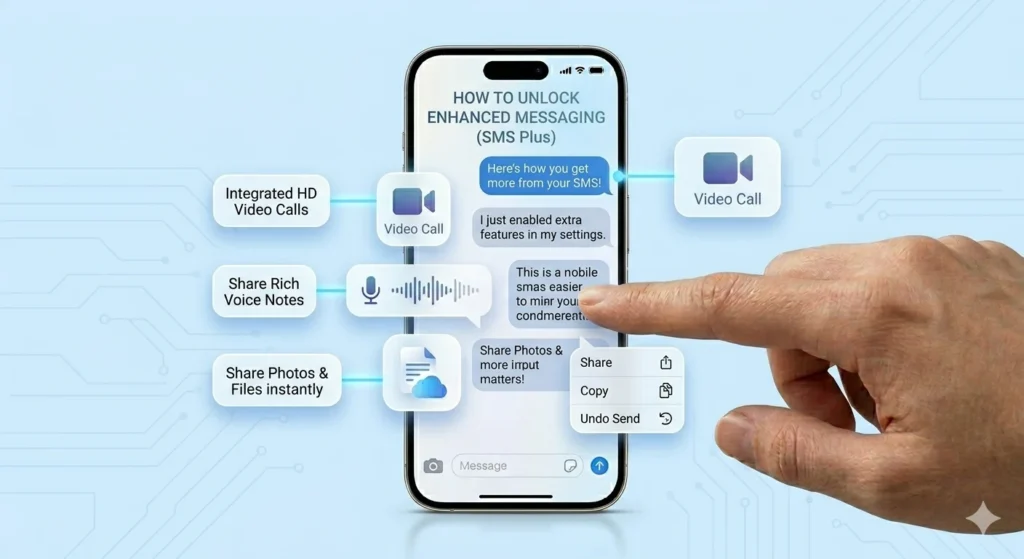
This term simply refers to enhanced SMS services.
✔ Not spam or virus
✔ Carrier messaging feature
✔ Supports multimedia SMS
✔ Improves texting experience
✔ Now mostly outdated
FAQs About What is Message Plus
What is Message Plus app used for?
It is used for SMS, MMS, and enhanced messaging features.
Is Message Plus still available?
It is being phased out and replaced by Google Messages.
Is Message Plus safe?
Yes, it is safe but outdated.
Can I uninstall Message Plus?
Yes, it is optional and removable.
What replaces Message Plus?
Google Messages is the recommended replacement.
Conclusion
Now you clearly understand what is Message Plus, how it works, and why it is disappearing from Android and Samsung devices. It was once useful, but modern apps like Google Messages have replaced it.
If you ever see what is Message Plus again, you’ll know exactly what it means and what to do with it.