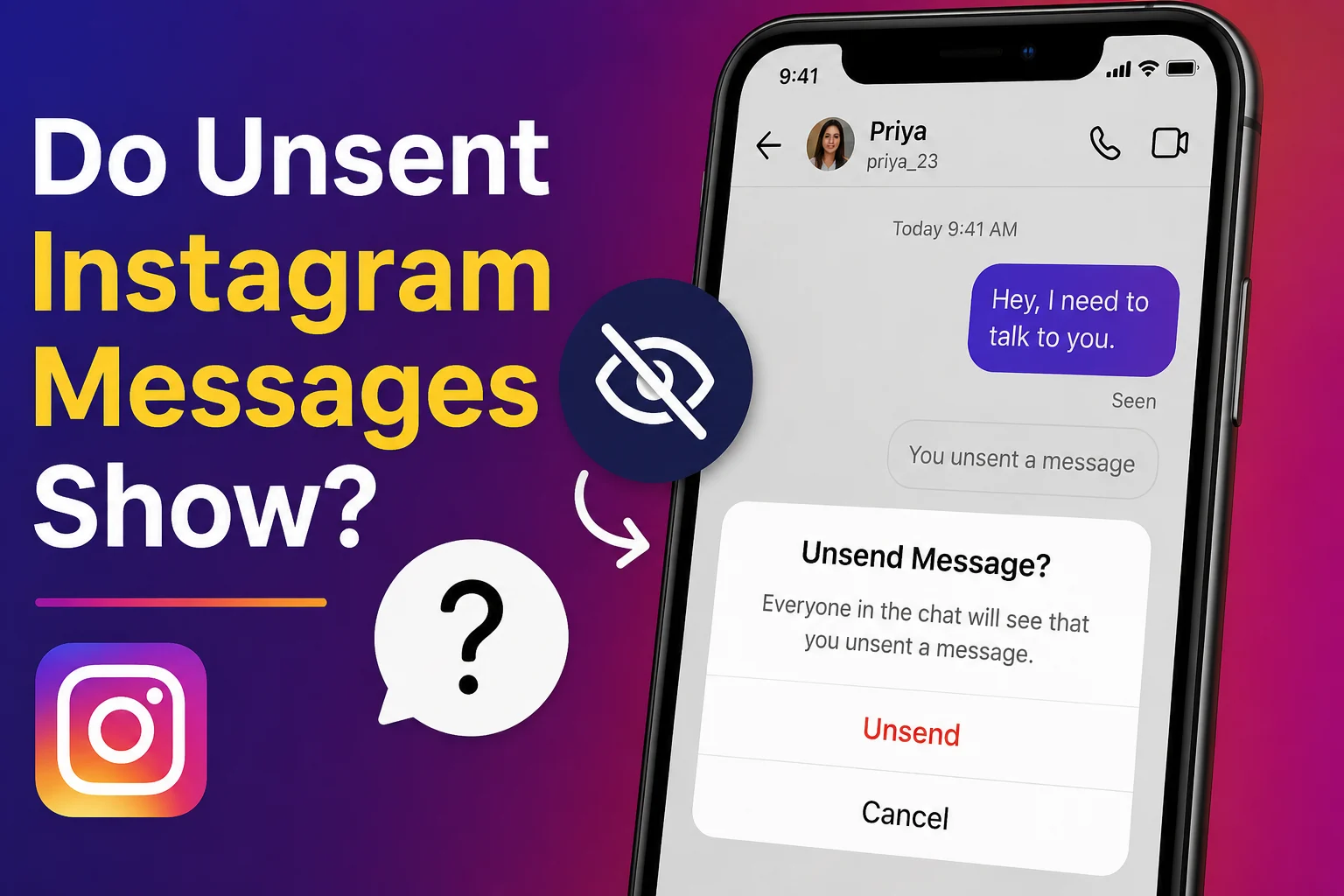
One tap is all it takes to send an Instagram message—and one second later, you might wish you could take it back. That’s why many users ask, “Do unsent Instagram messages show?” Whether you sent a message by mistake, changed your mind, or simply want to protect your privacy, it’s natural to wonder if the other person can still see it.
If you’re searching for do unsent Instagram messages show, you’re probably worried about message notifications, chat previews, or whether the recipient already read your Instagram DM. Understanding how Instagram’s unsend feature works can help you avoid confusion and give you peace of mind.
In this guide, you’ll learn exactly what happens when you unsend an Instagram message, whether notifications disappear, if deleted messages can still be seen, and the limits of Instagram’s messaging system. You’ll also discover common myths, privacy tips, and simple answers to the questions users ask most.
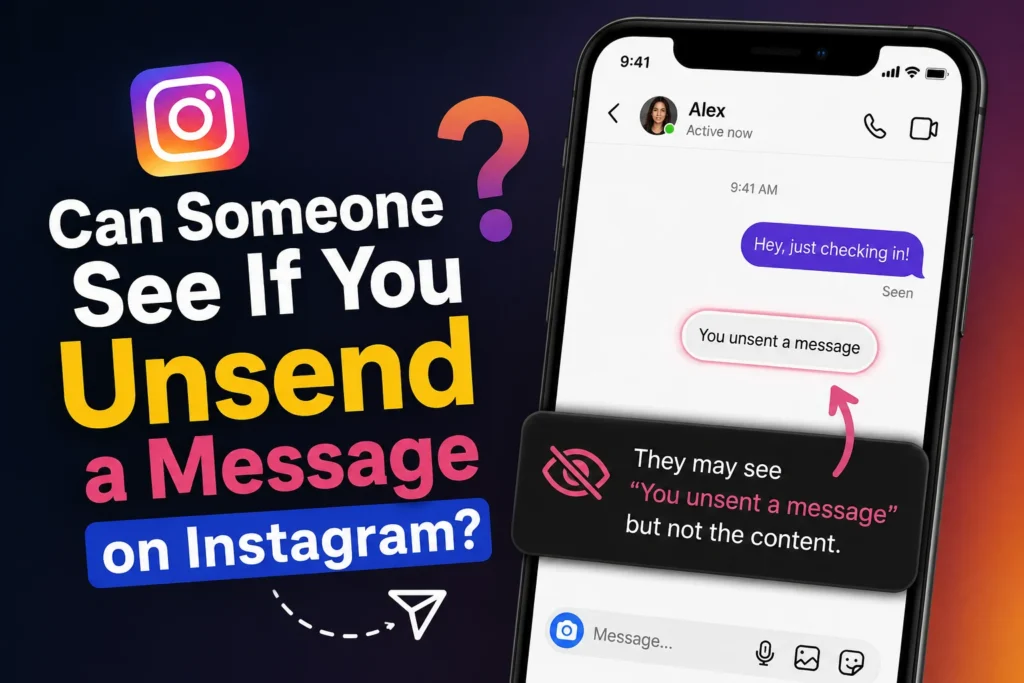
Can Someone See If You Unsend a Message on Instagram?
Before you tap Unsend, it’s natural to wonder if the other person will notice. Whether the message was accidental or simply no longer reflects what you wanted to say, understanding how Instagram handles unsent messages can save you from unnecessary worry.
The simple answer is no. Instagram does not notify the other person when you unsend a message. After you remove it, the message disappears from both your conversation and theirs.
However, there are a few important exceptions.
If the person has already opened and read your message, unsending it cannot erase their memory. They already know what was written.
If they received a push notification before you removed the message, they might have seen part or all of its contents from their lock screen. Likewise, if they took a screenshot before you unsent it, removing the message won’t delete the screenshot.
So while Instagram protects your privacy by removing the message from the chat, it cannot undo information someone has already seen.
In most everyday situations, though, if you unsend a message quickly, the other person will never receive an official alert that you removed it.
Can You Unsend a Message on Instagram After They Read It?
Many users ask, “Can you unsend a message on Instagram after they read it?” The answer is yes.
Instagram allows you to unsend a message even after the recipient has opened and read it. Once you tap Unsend, the message disappears from the conversation for both people.
But there’s an important difference between removing the message and removing the memory.
If someone already read your message, unsending it does not make them forget what they saw. They may remember the content, discuss it later, or even have a screenshot if they captured it before you removed it.
For this reason, the unsend feature is best viewed as a way to clean up the conversation rather than completely erase the past.
If your message contains a small typo, the wrong emoji, or was sent to the wrong chat, unsending it quickly is often enough. But if the other person has already read a sensitive message, removing it may not completely solve the situation.
The sooner you unsend the message, the better your chances that it won’t be seen.
Does Instagram Notify Someone When You Unsend a Message?
One of the biggest concerns users have is whether Instagram sends a notification after a message is unsent.
As of 2026, Instagram does not send an alert saying that you removed a message. The recipient won’t receive a notification that says:
- “A message was unsent.”
- “This message has been removed.”
- “Someone deleted a message.”
Instead, the message simply disappears from the chat.
This is different from some messaging platforms that display a placeholder when content is deleted.
However, notification previews can sometimes create confusion.
For example, if your message appeared on the recipient’s lock screen before you unsent it, they may have already read part of it without opening Instagram. In that case, unsending removes the message from the chat but cannot erase what was already displayed in the notification preview.
That’s why it’s always best to act quickly if you send something by mistake.
What Happens When You Unsend a Message on Instagram?
If you’ve never used Instagram’s unsend feature before, you may be wondering exactly what changes after you remove a message.
When you tap Unsend, Instagram immediately removes that message from the conversation for both you and the recipient. The chat continues normally, but the removed message is no longer visible.
Here’s what typically happens:
- The message disappears from both chat histories.
- Instagram does not notify the other person.
- Photos, videos, text, GIFs, and emojis can all be unsent.
- The conversation itself remains active.
However, there are some limitations.
If someone already viewed the message, received a notification preview, or saved the information elsewhere, unsending cannot remove those copies.
Think of the feature as deleting the message from Instagram’s conversation—not necessarily from someone’s memory or device if they already captured it.
Understanding these limits helps you use the feature with realistic expectations and avoid future misunderstandings.
Can Someone See If You Unsend a Message on Instagram After They Have Seen It?
It can feel stressful when you realize someone has already opened your message before you had the chance to remove it. Many people hope that using the Unsend feature will erase everything, but that’s not always how it works.
If the recipient has already seen your message, you can still unsend it. The message will disappear from the chat for both of you. However, Instagram cannot remove what the person has already read or remembered.
If they took a screenshot, copied the text, or viewed it in a notification preview, those copies will remain. This is why acting quickly gives you the best chance of preventing someone from seeing an accidental message.
So, can someone see if you unsend a message on Instagram after they have seen it? Yes, because they already viewed the message before it was removed. Unsend only removes it from the conversation—it cannot erase what has already happened.
How to Unsend a Message on Instagram
If you accidentally send the wrong message, Instagram makes it easy to remove it in just a few steps.
On Android or iPhone
- Open Instagram.
- Tap the Messages (DM) icon.
- Open the conversation.
- Press and hold the message you want to remove.
- Tap Unsend.
- Confirm if prompted.
The message will instantly disappear from both sides of the conversation.
Can someone see if you unsend a message on iPhone?
No. The process is the same on iPhone and Android. Instagram does not notify the other person when you unsend a message. However, if they already viewed it or saw it in a notification preview, they may still know what it said.
60+Duke Message Board: Latest Fan Discussions & Updates
Why Can’t I Unsend a Message on Instagram?
Sometimes the Unsend option doesn’t appear, or it doesn’t work as expected. This can happen for several reasons.
Common causes include:
- You’re using an outdated version of Instagram.
- Your internet connection is unstable.
- The app is experiencing a temporary bug.
- Instagram is rolling out updates in your region.
- The message failed to send correctly.
Many users also search “I can’t unsend message on Instagram.” If that’s happening, try these quick fixes:
- Update Instagram to the latest version.
- Restart the app.
- Check your internet connection.
- Log out and back in.
- Restart your phone.
If the problem continues, wait a while and try again later. Temporary server issues usually resolve on their own.
How to Unsend a Message to Someone You Don’t Follow or a Celebrity
The unsend feature works the same whether you’re chatting with a friend, a creator, or someone you don’t follow.
How to unsend a message on Instagram to someone you don’t follow
Open the conversation, press and hold the message, then tap Unsend. If the message request is still available, it will be removed from the chat.
Why can’t I unsend a message on Instagram to a celebrity?
In most cases, you can unsend it. If you don’t see the option, it may be due to a temporary app issue, a poor internet connection, or an outdated Instagram version—not because the account belongs to a celebrity.
How to unsend a message on Instagram to a celebrity
The steps are exactly the same as for any other account:
- Open the chat.
- Press and hold the message.
- Tap Unsend.
Instagram does not treat celebrity accounts differently for this feature.
100+ When Message Blocking Is Active? Causes & Fixes
Common Myths About Instagram Unsend Messages
There are many myths about Instagram’s unsend feature. Let’s separate fact from fiction.
Myth 1: Instagram sends a notification.
Fact: No notification is sent when you unsend a message.
Myth 2: Unsend works only before the message is read.
Fact: You can unsend a message even after it has been seen.
Myth 3: Unsend deletes screenshots.
Fact: It cannot remove screenshots or saved copies.
Myth 4: iPhone users receive special notifications.
Fact: The feature works the same on iPhone and Android.
Myth 5: Celebrity accounts cannot receive unsent messages.
Fact: The unsend feature works the same for all Instagram accounts.
Understanding these facts helps you use Instagram with confidence and avoid common misunderstandings.
Tips Before You Unsend an Instagram Message
Before removing a message, keep these simple tips in mind:
- Act as quickly as possible.
- Remember that notification previews may already have been seen.
- Don’t rely on unsend to erase sensitive information.
- Double-check messages before sending them.
- Keep Instagram updated for the latest features.
- Think carefully before sending personal or private details.
- If the message was important, consider explaining the situation honestly instead of relying only on the unsend feature.
Using these habits can help you avoid awkward situations and communicate more confidently.
Frequently Asked Questions
1. Can you unsend a message on Instagram if someone has seen it?
Yes. You can still unsend the message after it has been read. It disappears from the chat, but the recipient may remember its contents or have a screenshot.
2. Will the other person know if I delete a message on Instagram?
Instagram does not send a notification when you unsend a message. However, if the person already read the message or saw it in a notification preview, they may know it existed.
3. What does it look like when you unsend a message on Instagram?
The message simply disappears from the conversation for both people. Instagram does not leave a placeholder saying that a message was removed.
4. How do I know if someone unsends a message on Instagram?
In most cases, you won’t receive a notification. You may only notice that a message you previously saw is no longer in the conversation.
5. When you unsend a message on Instagram, does it notify them in 2026?
No. As of 2026, Instagram does not notify users when someone unsends a message. The message is simply removed from the chat.
Conclusion
Knowing can someone see if you unsend a message on Instagram helps you use the feature with confidence. In most situations, Instagram removes the message without notifying the other person. However, if they have already read it, seen it in a notification preview, or taken a screenshot, unsending cannot erase what they already know.
If you accidentally send the wrong message, act quickly and use the Unsend option as soon as possible. It’s a helpful privacy feature, but it’s always best to think before hitting Send.
If you found this guide useful, explore our other Instagram tips and messaging guides to learn more about privacy features, direct messages, and social media best practices.

Adam Sinclair is a thoughtful writer who believes clarity and emotion make words powerful. His writing focuses on life lessons, relationships, and messages that quietly stay with the reader.