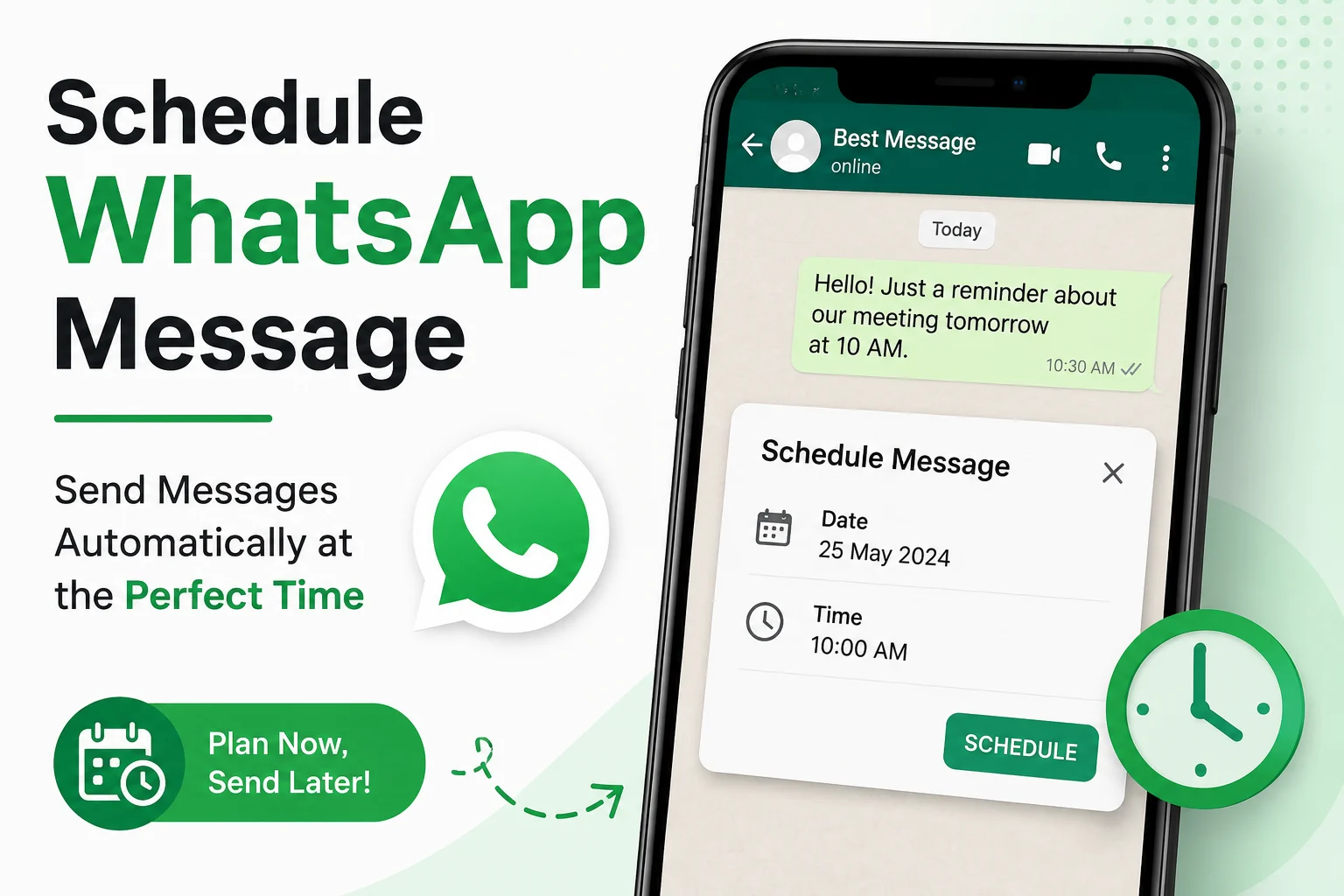
Learning how to schedule WhatsApp message can completely change the way you manage your daily communication. Instead of rushing at the last minute or forgetting important texts, you can prepare your messages in advance and send them automatically at the perfect time. Whether it’s a birthday wish, a meeting reminder, or an important update, timed messaging ensures you never miss a meaningful moment.
Most people face a common problem—they think of sending something important but get busy and forget later. This often leads to missed opportunities, delayed replies, or awkward situations. Message scheduling solves this by allowing you to automate your communication and stay consistent without stress.
Although WhatsApp does not offer a built-in scheduling option, you can still use smart tools, mobile automation, and shortcuts on Android, iPhone, and PC to achieve it easily. This guide will show you simple, reliable methods to schedule WhatsApp message like a pro.
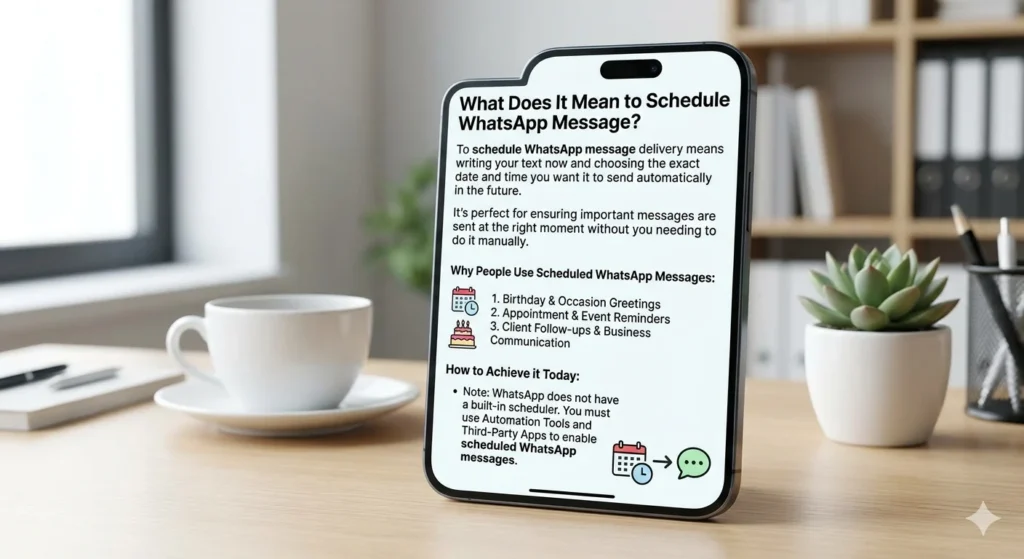
📱 What Does It Mean to Schedule WhatsApp Message?
Scheduling a WhatsApp message means setting a specific date and time for your message to be sent automatically.
Instead of sending it manually, your device or app handles it for you.
This is useful for:
- 🎂 Birthday wishes
- 📅 Meeting reminders
- 💼 Business updates
- ❤️ Personal emotional messages
- 📢 Marketing communication
Even though WhatsApp does not officially support scheduling, third-party tools and device automation make it possible.
📱 How to Schedule WhatsApp Message on iPhone
On iPhone, scheduling is done using Apple’s automation system called Shortcuts by Apple.
🔧 Method: Using Shortcuts App
Steps:
- Open Shortcuts App
- Go to Automation tab
- Tap Create Personal Automation
- Select Time of Day
- Choose your preferred time
- Tap Add Action
- Search “WhatsApp”
- Select contact and write message
- Turn off “Ask Before Running”
- Save automation
📌 Example Use:
- Happy Birthday 🎂
- Good Morning message ☀️
- Reminder messages 📌
✔ Works best for personal use
✔ No extra app required
120+ Husband Birthday Messages to Make Him Feel Loved
🤖 How to Schedule WhatsApp Message on Android
Android offers more flexibility through automation apps.
🔥 Best App Method: SKEDit
One of the most popular tools is SKEDit Scheduling App
Steps:
- Install SKEDit from Play Store
- Open app and sign up
- Choose WhatsApp option
- Select contact
- Write message
- Set date & time
- Tap “Schedule”
✔ Fully automatic sending
✔ Works in background
✔ Great for daily business use
📱 Alternative Android App: Wasavi
Another powerful tool is Wasavi
- Easy interface
- Supports delayed messages
- Works with personal & business chats
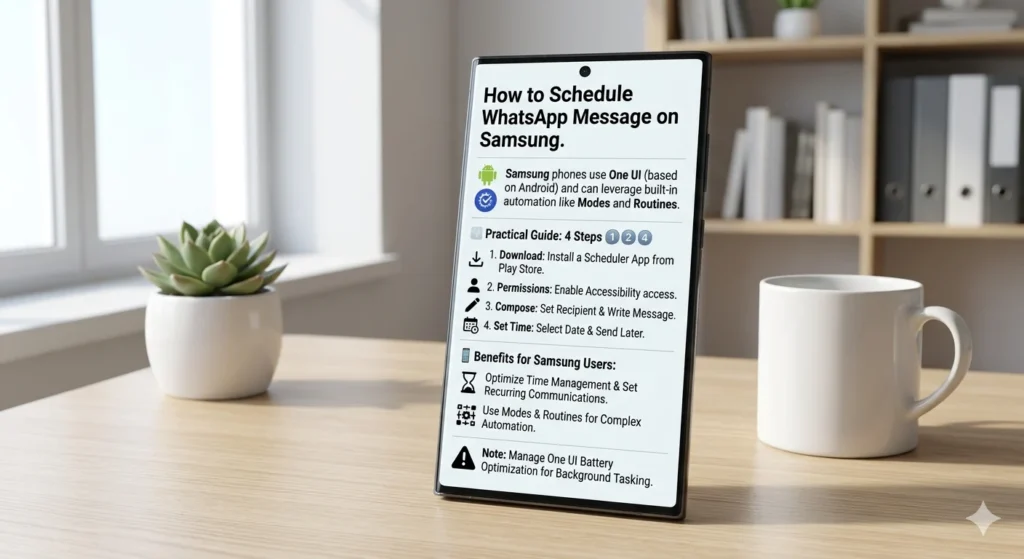
📲 Schedule WhatsApp Message on Samsung Devices
Samsung phones use Android but also include built-in automation tools like Bixby Routines.
Steps:
- Open Settings
- Go to Advanced Features
- Open Bixby Routines
- Create new routine
- Set time condition
- Add WhatsApp action via automation app
✔ No need for heavy apps
✔ Smooth integration
✔ Battery efficient
130+How to Email a Text Message Quickly and Easily
💻 How to Schedule WhatsApp Message on PC
On PC, you can use:
1. WhatsApp Web Extensions
Browser extensions allow message scheduling directly.
2. Desktop Automation Tools
Some tools let you schedule messages while working.
Steps:
- Install WhatsApp Web extension
- Log in to WhatsApp Web
- Choose contact
- Write message
- Set timer
- Confirm schedule
✔ Perfect for office use
✔ Ideal for teams & business updates
🚫 Can You Schedule WhatsApp Message Without Any App?
Yes — but with limitations.
You can use:
- Google Assistant routines (Android)
- Apple Shortcuts (iPhone)
- Built-in automation features
However:
❌ Not fully reliable
❌ Limited features
❌ Manual setup required
📦 Best Apps to Schedule WhatsApp Messages
Here are the most trusted tools:
🔹 SKEDit
- Auto-send messages
- Easy scheduling
- Business friendly
🔹 Wasavi
- Clean UI
- Simple automation
🔹 WhatsApp Business
- Quick replies
- Greeting messages
These tools help you manage communication more professionally.
⏰ Why Scheduling WhatsApp Messages is Important
Using scheduling helps you:
✔ Never forget important moments
✔ Maintain professional communication
✔ Save time daily
✔ Improve relationships
✔ Reduce stress
Whether personal or business, timing improves impact.
🧠 Pro Tips for Better Messaging
To get the best results:
- Always double-check time settings
- Keep messages short and clear
- Add emotional touch where needed ❤️
- Avoid over-automation
- Use scheduling for important messages only
❓ FAQs
1. Can I schedule WhatsApp messages officially?
No, WhatsApp does not support built-in scheduling.
2. Is it safe to use scheduling apps?
Yes, if you use trusted apps like SKEDit or Wasavi.
3. Can I schedule messages on iPhone?
Yes, using Apple Shortcuts automation.
4. Do I need internet for scheduled messages?
Yes, device must be online at scheduled time.
5. Can businesses benefit from this?
Absolutely — it improves customer communication and timing.
💖 Conclusion
Learning how to schedule WhatsApp message is a powerful skill in today’s digital communication world. It helps you stay organized, save time, and never miss important moments again.
Whether you’re using iPhone, Android, Samsung, or PC, there are simple tools and automation options available for everyone. From personal wishes to professional reminders, scheduled messaging makes your communication smarter and more reliable.
Start using these methods today and experience how a perfectly timed message can strengthen relationships, improve productivity, and make your digital life easier.

Jack Rowland is a modern writer who captures real emotions through clear, honest words. His messages focus on love, motivation, and everyday moments that quietly matter.